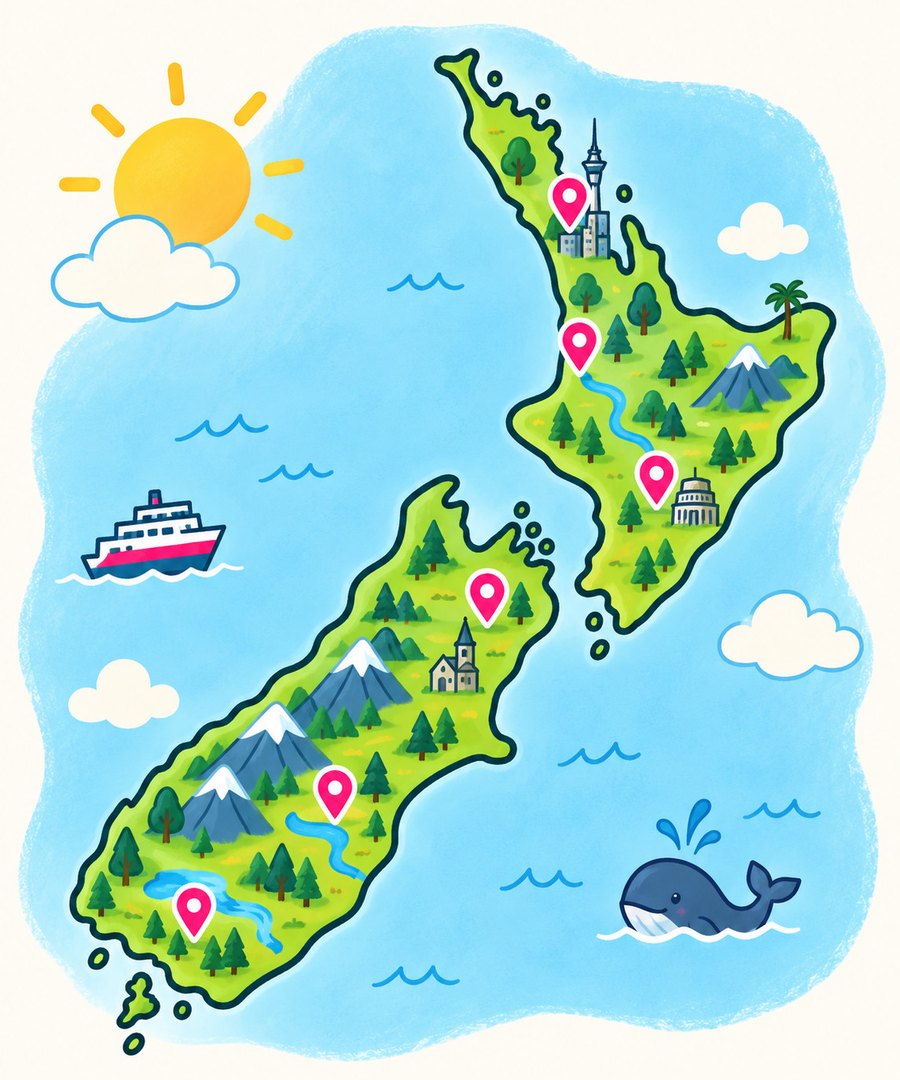
Your class is about to argue over the government budget

Students drag sliders, make impossible trade-offs, and discover why politicians look so tired. No installs, no accounts, just a class code and a room full of opinions.
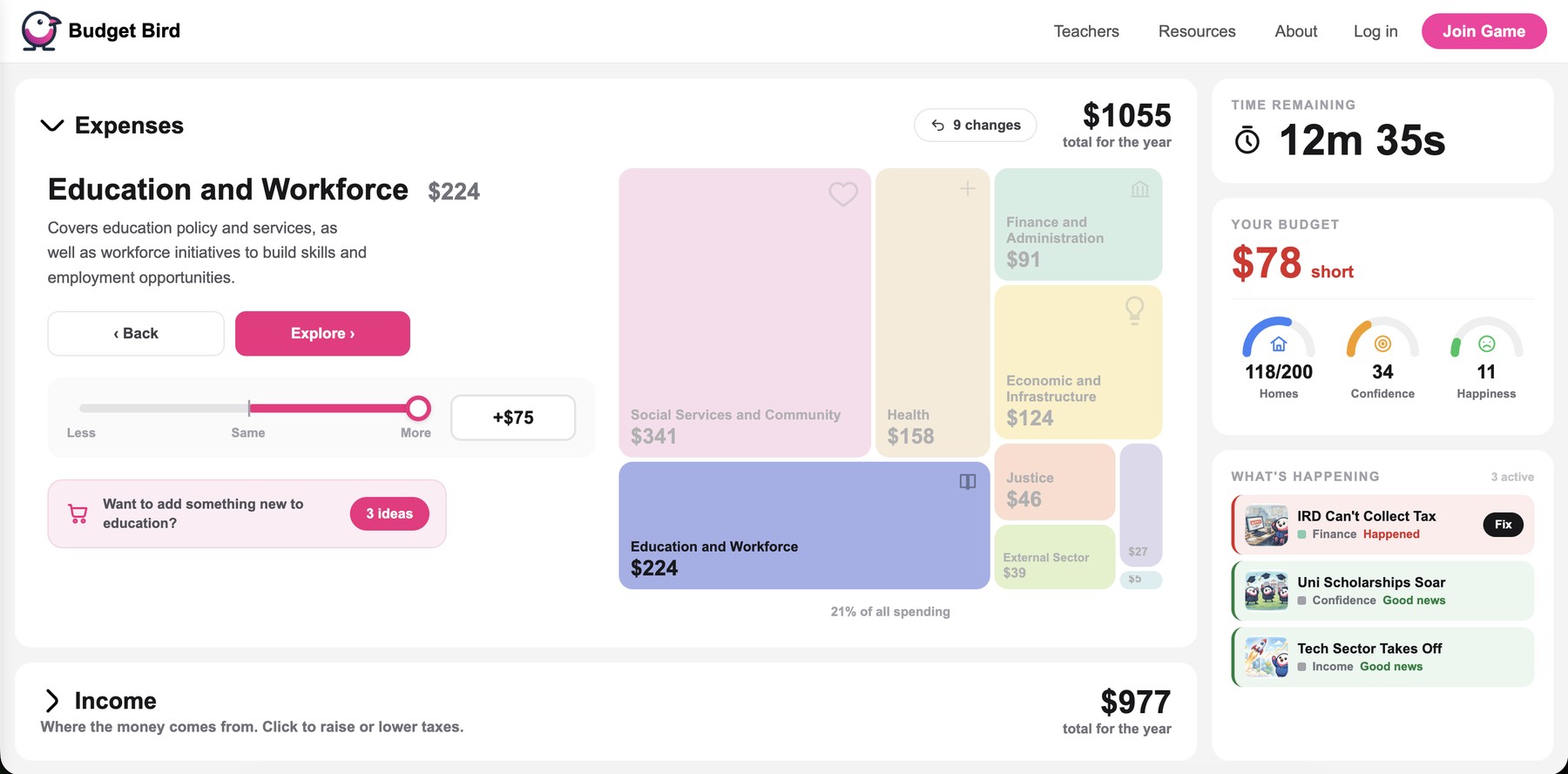
Try the Interactive Demo
Students using Budget Bird
2-minute video

Watch a class run Budget Bird

See what happens when 30 students realise they can't fund everything. Spoiler: it gets loud.

How it works

Run a Class on Budget Bird
1

Run a Class

Start a game, choose a challenge and time limit. A class code is generated for students.

Students joining the game
2

Students join

They enter the code at budgetbird.co.nz/join on any device, set a team name, and play.

Teacher leading a discussion
3

Discuss & learn

See budgets, outcomes and reflections live. Arguments guaranteed. Learning disguised as fun.

Workshop plan (30–45 minutes)

Overview

Title: Can You Balance the Books and Shape the Future?

Audience: Secondary students (Years 9–13), adaptable for adults/community

Platform: Budget Bird - interactive online budgeting tool

Learning Objectives

  • Explain the basic structure of a public budget (revenue & expenditure).
  • Use a digital tool to explore and adjust a real government or council budget.
  • Identify trade‑offs and justify funding decisions.
  • Work in groups to build and present priorities; reflect on real‑world impact.

Agenda (suggested)

  1. Warm‑up (5–7m): quick value‑based dilemmas to surface trade‑offs.
  2. Demo (5–7m): walk through controls; surplus/deficit indicators.
  3. Group Challenge (10–15m): adjust the budget to hit goals/values.
  4. Presentations (15m): 1‑min share‑outs; optional vote/debate.
  5. Wrap‑up (5–10m): reflection prompts and real‑world links.
📄 Download PDF

FAQ

Do students need accounts?

Nope. Students go to budgetbird.co.nz/join, enter the class code, pick a team name, and they're in. No sign-ups, no downloads.

How long does a session take?

The game itself runs in 10–20 minutes. Most teachers add 5–15 minutes for discussion afterwards — that's where the best learning happens.

Is it free?

Teachers get 3 free classes to try it out. After that there's an affordable plan for unlimited classes with full results tracking, time controls, and reflection questions. There's also a free explore mode that's always available — students and curious citizens can play the budget challenge anytime at budgetbird.co.nz/explore.

What devices work?

Anything with a modern browser — laptops, Chromebooks, tablets, phones. No app install needed.

What curriculum areas does it cover?

Social Sciences, Mathematics, English, and key competencies like critical thinking and civic participation. We've mapped it across Years 7–13. See the full alignment.

Do I need to know about public finance to run it?

Not at all. The game is designed to be self-explanatory for students. But if you want some background — or want to weave it into a broader lesson — we've put together a Public Finance 101 crash course that covers how the NZ budget works.

Do you have lesson plans I can use?

Yes — ready-to-go workshop plans for 15, 30, or 60 minute sessions, plus discussion prompts for before, during, and after the game. Browse lesson plans.

Teacher resources

Everything you need to plan, run, and follow up a Budget Bird session.

Ready to spark a small but perfectly educational budget crisis?

Need help getting set up? Contact us.